
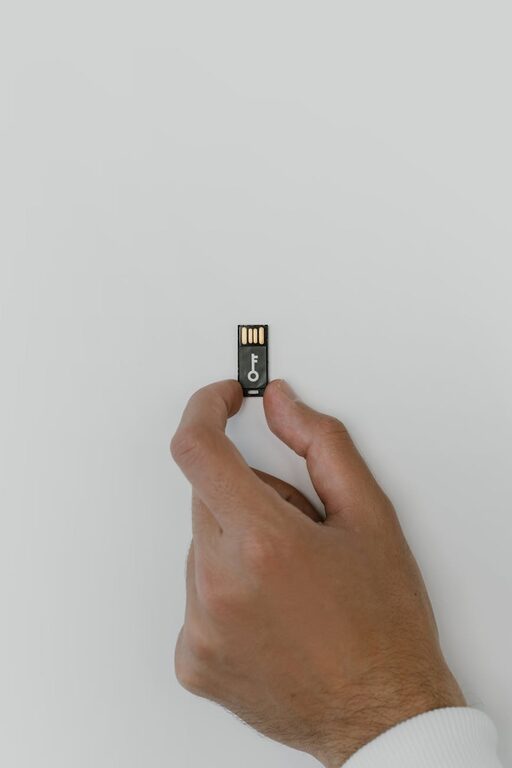
Backing up your photos and files is one of the smartest things you can do to protect your digital life. Whether it’s treasured family photos, important work documents, or creative projects, losing these files can be frustrating and sometimes devastating. Fortunately, creating backups is not as complicated as it might seem. In this post, we’ll guide you through the basics of backing up your data safely and easily.
Why Backing Up Is Important
Data loss can happen for several reasons: hardware failure, accidental deletion, theft, or even natural disasters. Without a backup, these events might lead to permanent loss of your precious files. Backing up ensures you always have a copy that you can restore quickly and easily.
Types of Backup Solutions
There are several ways to back up your photos and files. The right method depends on your needs, the amount of data you have, and how quickly you want to access your backups.
1. External Hard Drives
An external hard drive is a physical device that connects to your computer via USB or another port.
– Pros:
– One-time purchase
– Full control over your data
– Fast backup and restore speeds
– Cons:
– Can be lost, stolen, or damaged
– Requires manual backup unless automated software is used
2. Cloud Storage Services
Cloud storage means your files are saved on remote servers managed by companies like Google Drive, Dropbox, or Microsoft OneDrive.
– Pros:
– Accessible from any device with internet access
– Often includes automatic backup options
– Usually offers file versioning (ability to restore past versions)
– Cons:
– Monthly or yearly subscription fees for larger storage
– Dependent on internet connection speed
3. Network Attached Storage (NAS)
NAS devices are like personal cloud storage systems you keep at home or office. They connect to your local network and can be accessed by multiple devices.
– Pros:
– Large storage capacity
– Centralized backup for multiple users
– Better privacy compared to public clouds
– Cons:
– More expensive and complex to set up
– Requires technical know-how
Steps to Back Up Your Photos and Files
Step 1: Organize Your Files
Before backing up, make sure your files are organized. Group photos by date or event, and keep documents in clearly labeled folders. This organization makes it easier to find files later.
Step 2: Choose Your Backup Method
Decide whether you want to use an external hard drive, cloud service, or both. Many people find using a combination—called the 3-2-1 backup rule—most effective:
– Keep 3 copies of your data
– Store 2 copies on different media
– Keep 1 backup offsite (like cloud storage)
Step 3: Use Backup Software or Tools
Most operating systems come with built-in backup tools:
– Windows: File History or Backup and Restore
– Mac: Time Machine
Third-party apps also automate the process:
– Backblaze
– Acronis True Image
– EaseUS Todo Backup
These tools can schedule automatic backups, so you don’t have to remember to do it manually.
Step 4: Test Your Backup
After backing up, try restoring a file or two. This simple test ensures your backup works correctly and your files are safe.
Step 5: Maintain Your Backups
Backups aren’t a one-time job. Schedule regular backups to keep your copies up to date. Check your external drives for errors and ensure your cloud subscription is active.
Tips for Effective Backup Management
– Use strong passwords and two-factor authentication if you use cloud services
– Encrypt sensitive files before backing up for extra security
– Keep external drives in a safe place, away from direct sunlight or moisture
– Label your drives with dates or contents to avoid confusion
– Consider backing up videos separately—they can take up more space
Common Mistakes to Avoid
– Not backing up regularly
– Keeping all backups in the same physical location
– Relying on only one backup method
– Assuming cloud storage is free and unlimited
– Ignoring backup software updates
Conclusion
Backing up your photos and files protects your digital memories and important documents from unexpected loss. By choosing the right backup methods, organizing your data, and keeping your backups current, you’ll enjoy peace of mind knowing your files are safe. Whether you prefer external drives, cloud storage, or both, the key is to start today and make backup a regular habit.
—
Feel free to share your favorite backup method or ask questions in the comments below!